Technology for Providers

Okta
What is Okta?
CBH uses Okta to provide a secure single sign-on (SSO) experience for accessing internal systems, while maintaining the confidentiality of provider and member information. Okta is a service that enables users to securely access applications across devices via SSO. Okta reduces the need to register for apps and remember multiple passwords separately.
You may hear Okta referred to as the “Okta dashboard,” which is where you can find the Okta apps assigned to your role.
If you have questions about the Okta SSO login, please refer to the CBH Okta Provider User Guide below.
Who uses Okta?
All providers use Okta to securely access applications such as the CBH Claim Converter (Xeo), the CBH Provider Portal, and Quickbase across different devices via secure SSO.
How does an existing user log into Okta?
Returning CBH provider users can sign in at https://login.oie.cbhphilly.org/ by following the prompts to enter their password and complete multi-factor authentication (MFA). Once signed in, you will have access to the applications provided by CBH.
How do I set up Okta multi-factor authentication (MFA)?
You will need a mobile phone and a computer to use Okta. Please refer to the CBH Okta Provider User Guide below for additional instructions.
CBH requires users to verify their identity using Google Authenticator. Please refer to the User Guide below for additional instructions.
I am locked out of Okta. How can I get assistance?
User assistance is available by contacting cbh.loginsupport@phila.gov.
CBH Okta Provider User Guide (Updated April 2025)

Quickbase
What is Quickbase?
Quickbase is a secure cloud-based platform that enables CBH to create custom applications and surveys. It is accessed via CBH’s Okta SSO.
CBH uses this platform to gather data about the provider network to maintain an accurate repository of information on contracted services. Quickbase surveys support provider operations, IBHS, EPIC, clinical teams, and more.
Who uses Quickbase?
Access to the Quickbase application via Okta is granted to provider staff who are appointed as designees for information submission to CBH.
Based on the identified applicable survey, CBH staff will initiate coordination with provider administrators to identify the appropriate designee. Once identified, CBH will initiate application registration and access for the designee(s). To access the application, identified designee(s) will also be required to follow the instructions to establish an Okta account (see above section).
How Do I Get Support?
Contact your CBH representative (e.g., Provider Relations, Clinical, EPIC) for access and support.
CBH Provider Portal
What is the CBH Provider Portal?
The CBH Portals are web-based tools that help members and providers connect to CBH and securely share behavioral health care information.
The portals include a Member Portal for CBH members to access their CBH information and a Provider Portal for authorized provider staff, accessible via CBH’s Okta SSO.
The CBH Provider Portal can be accessed through the CBH Portal Login page, or directly via the CBH Okta SSO at https://login.oie.cbhphilly.org/.
Who uses the CBH Provider Portal?
The CBH Provider Portal is available only to contracted, “in-network” providers at this time.
Provider Administrators are granted initial access by CBH and can create and manage any number of users to meet operational needs. Staff who regularly communicate with CBH about members, request authorization for services, or need to reference authorization numbers should be considered for inclusion.
Please note that the CBH Provider Portal does not display or process claims information.
How Can I Access Portal Support and FAQs?
For support and FAQs for the CBH Provider Portal, visit the Portal Support Page.

CBH Claim Converter (Xeo)
What is Claim Converter?
Claim Converter is used for claims submission and adjudication, and there are distinct applications for BHSI, OMH, and CBH. It is accessed via CBH’s Okta SSO.
Who uses the Claim Converter?
All providers can use the Claim Converter application to check on claim/file status, enter claims, and review their claim history.
How Do I Get Support?
Please refer to Section 6.2, Claims, in the CBH Provider Manual for more details.

Box
What is Box?
Box is a web-based solution for storing files in a secure, backed-up location for collaboration and access.
Who uses Box?
All providers may use Box to access files shared by CBH staff and to sign documents via Box Sign securely. Providers may also use Box separately within their own organization.
What is Box used for?
Box is used for
- Web-based links for file access
- Secure signature collection (Box Sign)
Secure File Transfer Site (Ipswitch)
What is the Secure File Transfer Site (Ipswitch)?
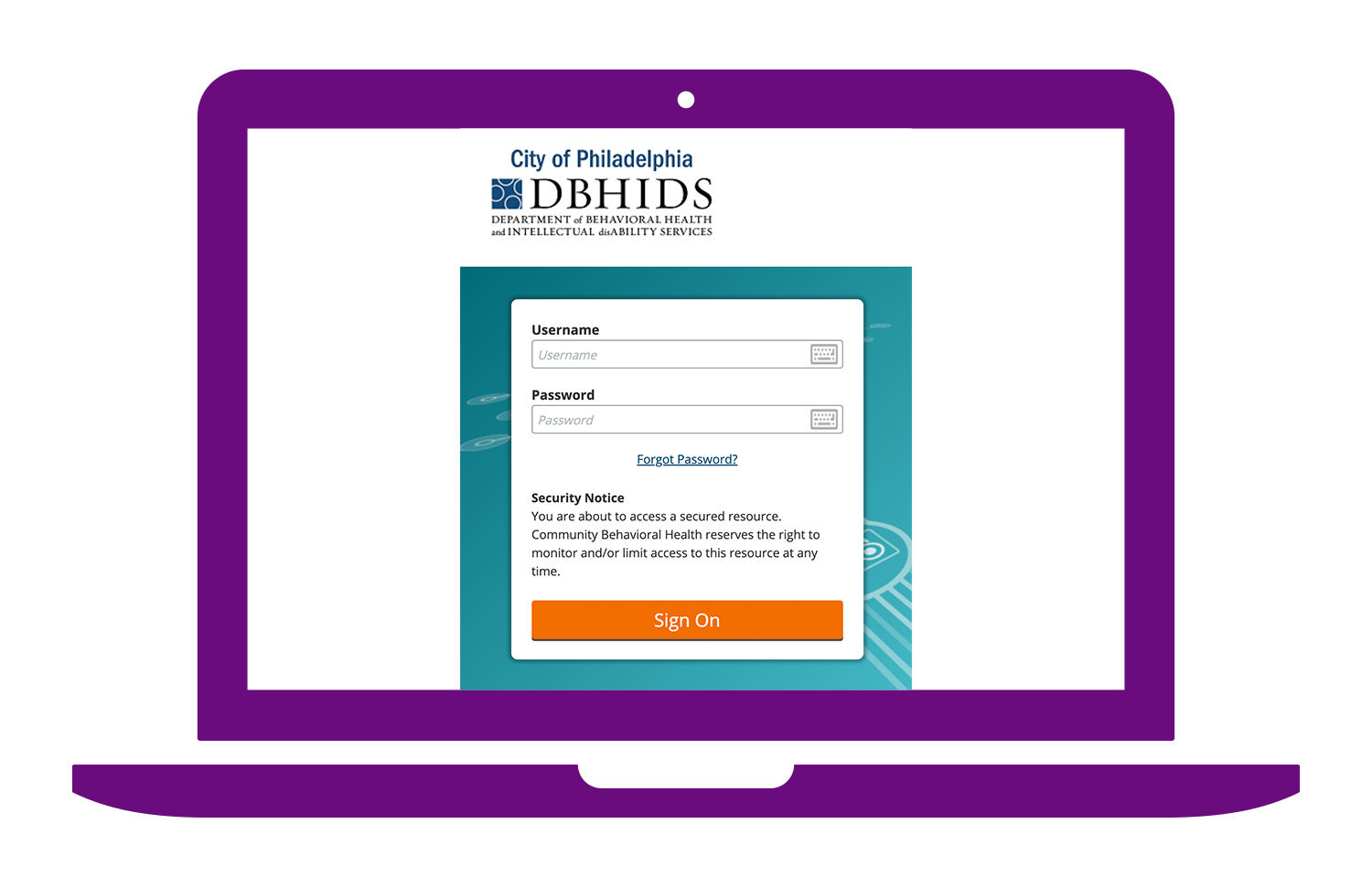
Ipswitch is the name of the software that powers the CBH secure file transfer site (system/server), accessible via se.dbhids.org.
Note: At one time, this site was referred to as the CBH Portal, but this language is no longer used in the CBH Provider Manual. See Section 7 for details and a user guide.
It may be used for:
- E-Packets (Service Authorization Request)
- Claims Files, including: 837 Submission files, 277 Response files, 835 Remittance Advise Files, TA1, and 999 response files
- Authorization Reports
- Schedule A Contracts
Who uses the Secure File Transfer site?
All authorized provider staff may use the Secure File Transfer site to submit and receive secure information, including the use cases listed above. CBH staff will direct you when to use this application.
How do I get support?
Contact CBH.FileTransfer@phila.gov for support.